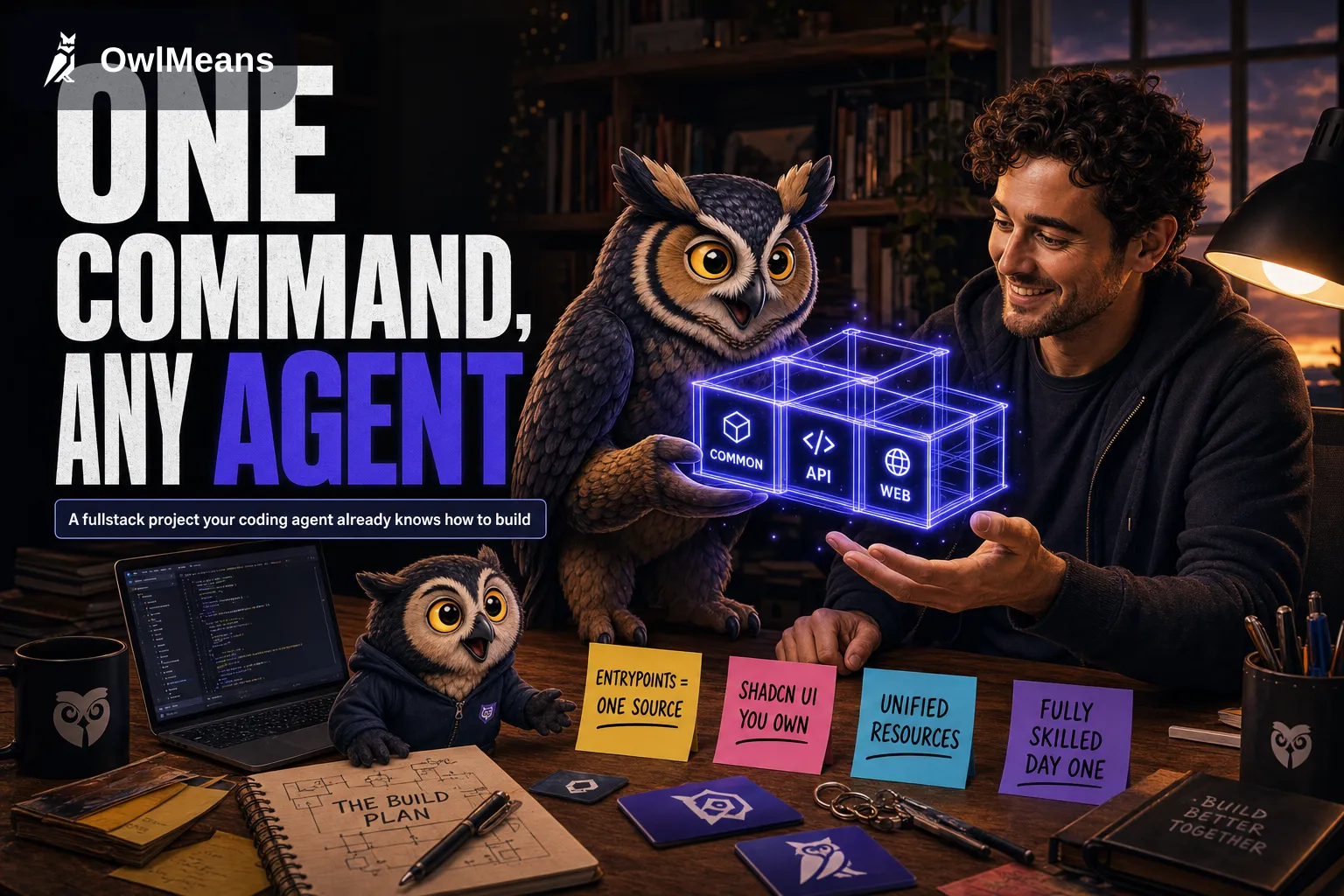
In June I added a create-app command to OwlMeans Common. I wanted a small project I could hand to a coding agent without first explaining the framework from scratch.
Common is the TypeScript foundation underneath OwlMeans projects. The command gives you a runnable starting point and the guidance that describes its conventions. You still direct the agent and review what it changes.
This walkthrough keeps the June example and the version pins from the maintained site copy. The guidance layout below reflects the later move to .agents/.
The starting project
Choose one command:
bun create @owlmeans/app my-app
# or
npm create @owlmeans/app@latest my-app
# or
npx @owlmeans/create-app@^0.1.18 my-app
Then start the development servers:
cd my-app
bun run dev          # API on :3000, web on :3001
Open the web app and try adding and removing items on the Session screen. The demo connects a frontend to an API through a shared contract. Its data lives in memory. Restarting the process is enough to remind you why that matters.
The scaffold has three workspaces:
commonholds shared route declarations, validation schemas and types.apiruns the backend on@owlmeans/server-app.websupplies the frontend on@owlmeans/web-panel.
That is the minimal CLI scaffold. Generated projects in OwlMeans can also include a shared backend library and a worker. The CLI example does not provision those or a database for you.
The application contract
I want an agent to find a route declaration by searching for its alias. I also want to follow the same declaration myself.
Common uses entrypoints for that contract. An entrypoint connects an alias, a path, a method and validation:
entrypoint(
  route(session.add, '/:sid/items', { parent: session.base, method: RouteMethod.POST }),
  filter(params(SessionParamsSchema), body(AddItemSchema)),
)
The backend attaches a handler with elevate. The frontend attaches its screen behavior and calls the entrypoint through ctx.entrypoint(session.add).call({ params, body }).
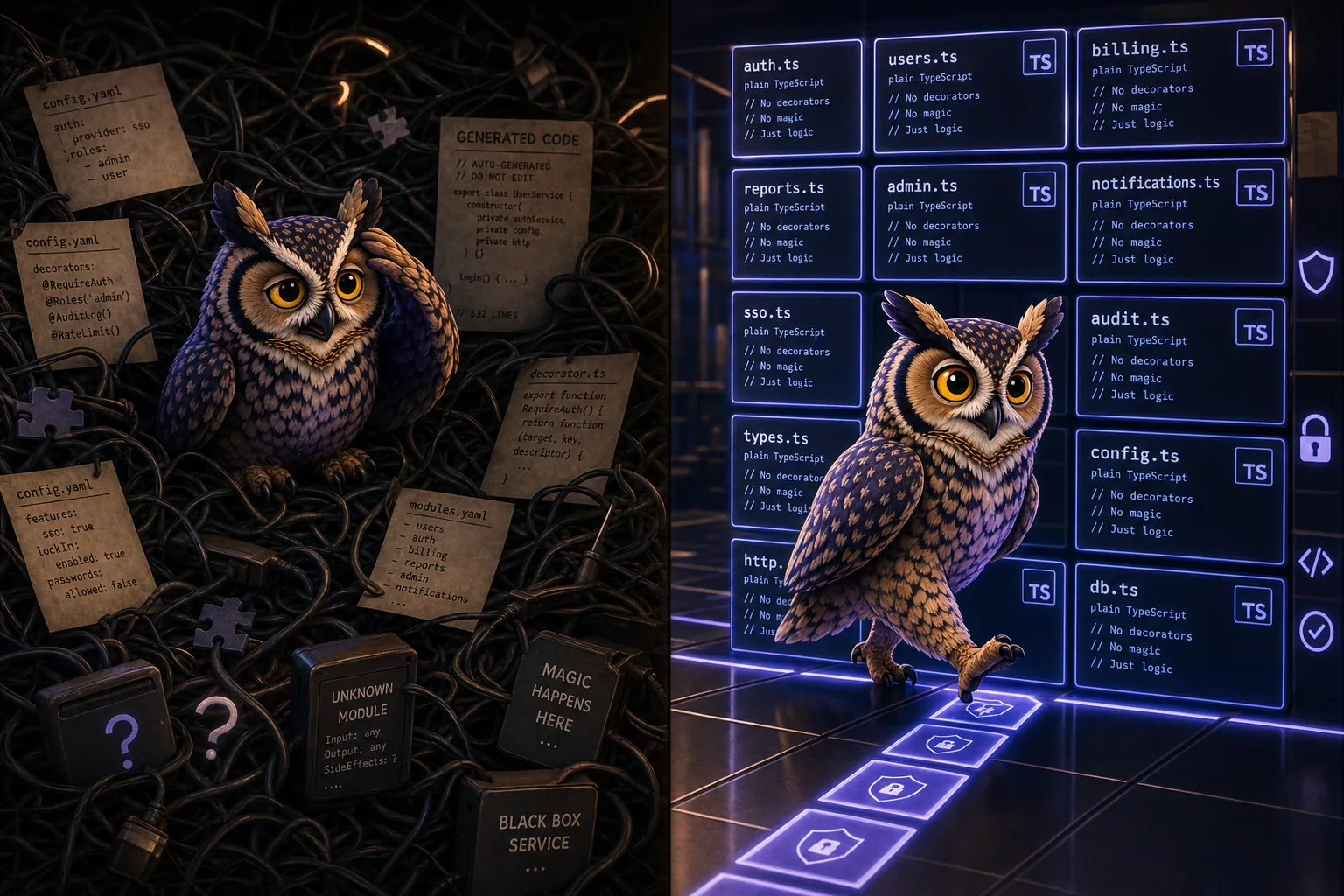
The route and schema are shared source. There is no separate generated API client in this pattern. Changing the declaration still requires checking the callers and the handler. Shared types cannot decide whether the operation should have been allowed.
Services follow a similarly visible path. A factory creates the service, the application registers it by alias, and code resolves it with context.service('alias').
I prefer that wiring because I can read it. I have not measured a token-saving ratio against another framework, and this example does not establish one.
Persistent data
The demo resource has methods such as create, list and delete. Database-backed resources use the same interface, which lets handlers keep that familiar shape.
That does not make a database migration a one-package operation. You still need the connection configuration, indexes, validation and a decision about existing data. Access rules also need tests.
For a fresh notes feature, a useful request to the agent is:
Add persistent notes backed by MongoDB. Use
@owlmeans/mongoand@owlmeans/mongo-resource. Declare the schema and entrypoints insources/common, register the resource and handlers insources/api, and add a screen insources/web. Follow the installed resource and reuse-code guidance.
The resource calls can then look like this:
const notes = context.resource<NotesResource>(RES_NOTES)
await notes.create({ id, text, createdAt })
const { items } = await notes.list({ criteria: { ... } })
These are excerpts of the interface, rather than a complete application. The resource alias, schema and connection must be registered in the project.
After the change, restart the app and check that the note survives. Try invalid input and a failed connection too. If notes belong to different users, test that one user cannot read another user’s notes.
The web layer uses shadcn UI and Tailwind. shadcn’s documentation describes its approach as giving you component source to work with. In this project, the agent can inspect and edit that source. Reviewing the resulting interaction is still your job.
Package guidance
The June version copied guidance into separate agent directories. We later removed those parallel sources. The canonical project guidance lives under .agents/, with AGENTS.md at the root and a Claude bridge where needed.
OwlMeans packages distribute their guidance through agent-meta/. The installer reads that metadata and writes skills for the packages in the project. A resource skill can explain the framework; your project instructions must explain what your notes are for.
After upgrading the relevant packages, the maintained command in this walkthrough is:
npx @owlmeans/agent-skills@^0.1.18Review the installer output. Locally edited managed files can conflict, and forcing an overwrite is a decision about your own changes. The installer is for consuming projects; linked framework monorepos have a separate maintenance workflow.
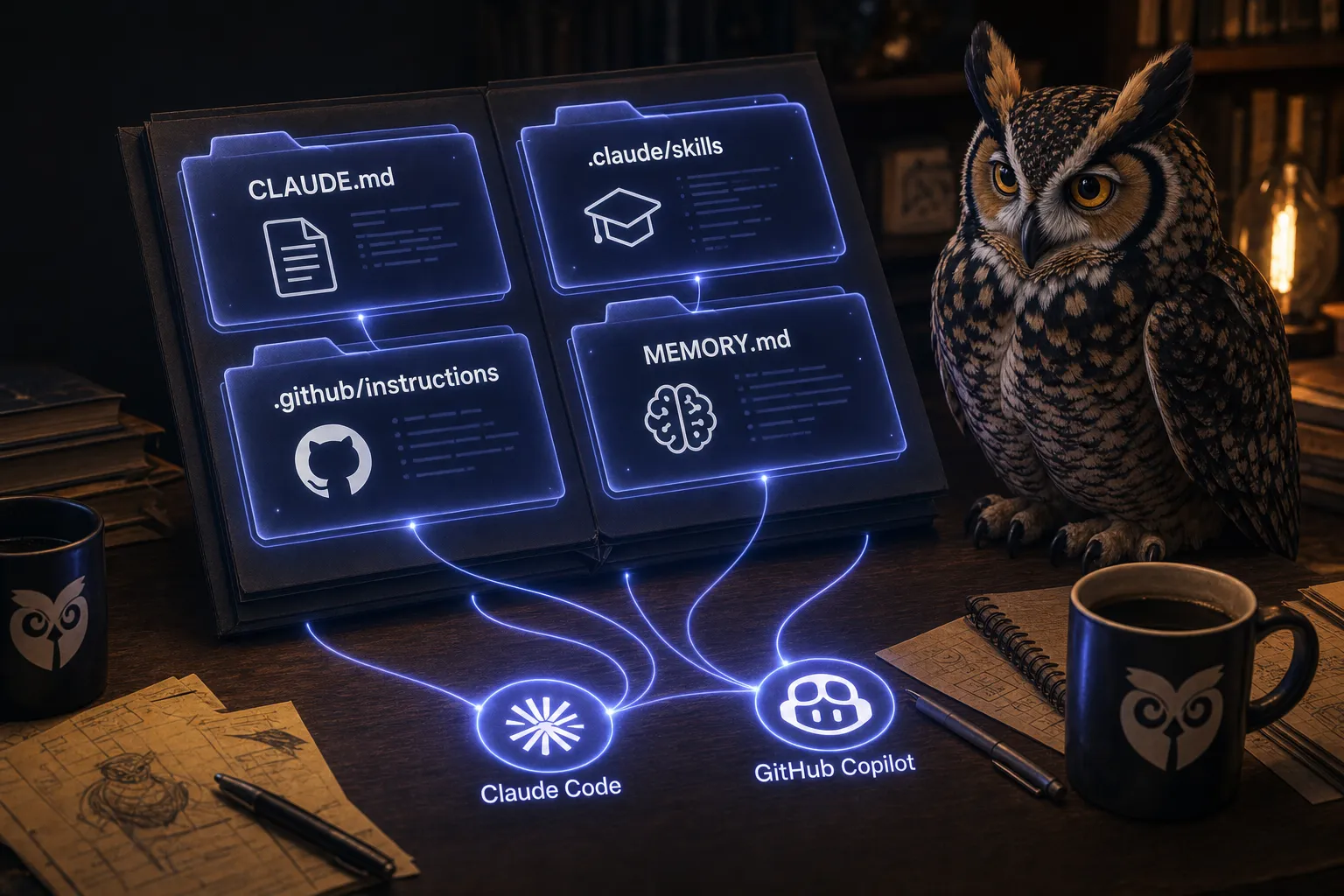
This illustration shows the June directory layout. Use the shared .agents layout described above for the revised workflow.
Neither AGENTS.md nor the Agent Skills format guarantees that every tool loads every file automatically. Check the agent’s integration before relying on the instructions.
The work left to you
create-app gives you the Common scaffold. OwlMeans adds a pipeline of development roles around that foundation. They are different ways to start work with the same framework.
The command does not settle your data model, test permissions or operate your production service. A passing build is a limited result: in this setup, run bun run typecheck separately from bun run build.
I built the scaffold to avoid repeating the initial wiring. It leaves me with the part I need to think about: whether the feature belongs there and whether it works.
Originally published 17 June 2026. Revised 15 October 2026 with the maintained command pins and the shared agent-guidance layout.