OwlMeans Converter
On this page
Beta. Bring an existing application into OwlMeans Platform and its open source ecosystem. Converter reads the source, identifies the behavior and proposes a migration you can review.
Conversion produces an OwlMeans application with the Platform’s conventions, IAM and development workflow. The goal is to make future changes easier to organize and continue with an agent. The analysis determines whether your project’s behavior can be carried across and which parts need attention.
Start a conversion
-
Prepare the source and preserve its current revision.
-
Check the source languages and frameworks.
-
Import from GitHub or use MCP for a local project.
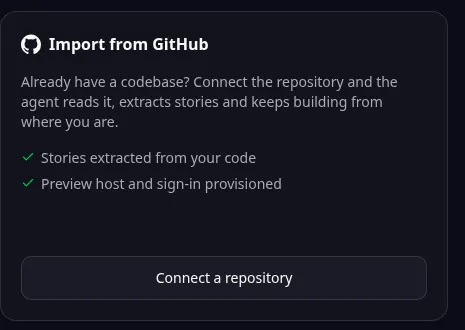
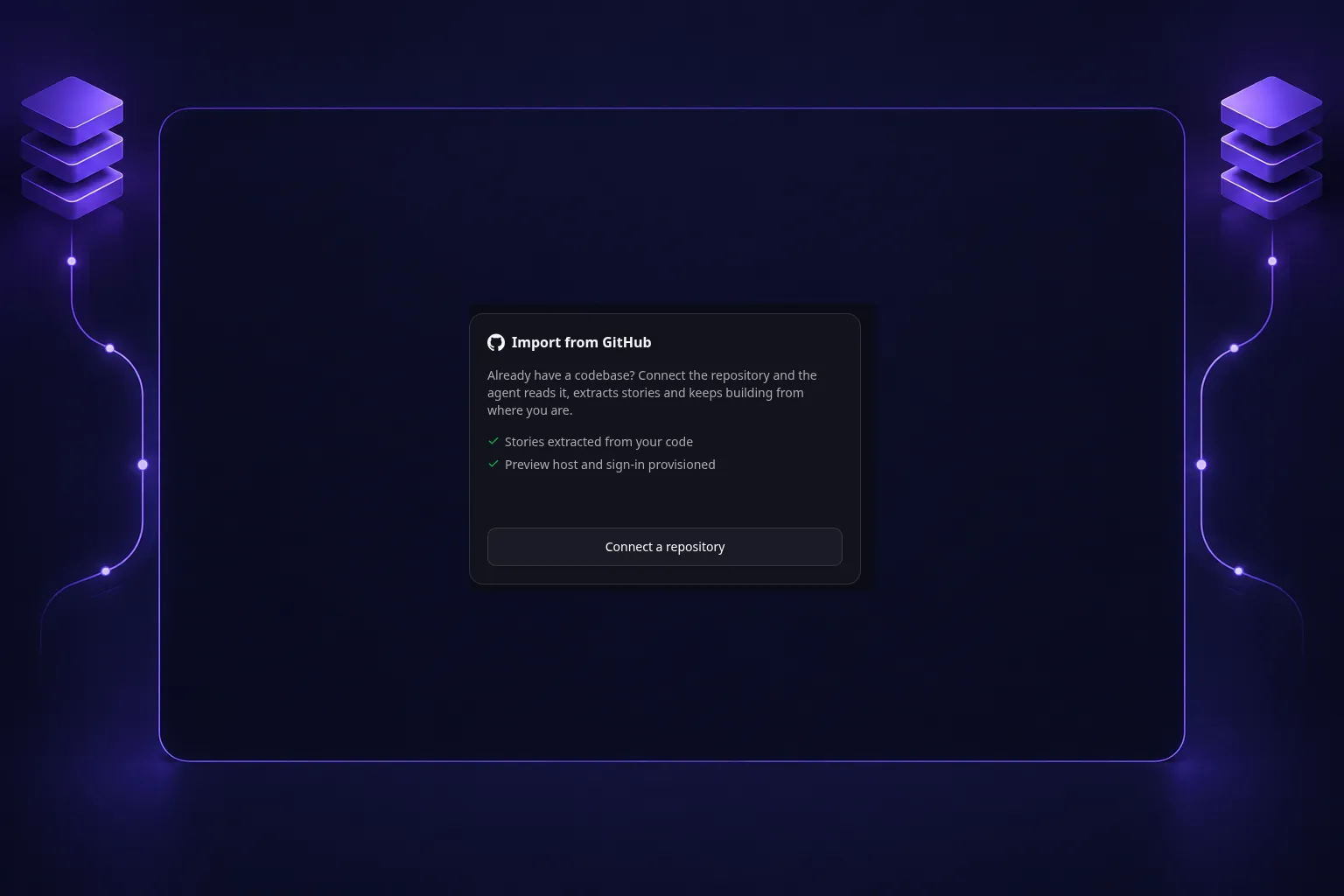
Browser import entry: Connect a repository starts a GitHub import. Follow the guide for local MCP conversion or later-stage review. -
Verify the result before using it with real data.
Beta means results can vary and some applications need manual follow-up. Review what has been translated and test the important workflows; a recognized framework is not a guarantee of complete conversion.
Keep the original source until you have verified the converted application. Existing data, third-party services and credentials require their own migration decisions. Conversion allowance explains eligible Pro coverage.
Browse this category
- Prepare your project for conversion
- Source languages and frameworks
- Import a project from GitHub
- Convert a local project using MCP
- Review the analysis and conversion verdict
- Approve conversion stages and costs
- Verify the result and resume interrupted conversion
Names and marks
GitHub and GitHub Copilot are brands of GitHub, Inc. Usage policy. OwlMeans documentation does not imply sponsorship or endorsement by those owners.