Prepare your project for conversion

On this page
Beta. Give Converter a source tree that describes the app clearly. A clean source and a short account of its important workflows make the analysis easier to review.
-
Preserve the current source revision and confirm you have permission to migrate it.
-
Remove private credentials and real customer data from the material you will submit. Keep required dependency manifests and source files.
-
Write a short description of the app’s users, records, workflows and external integrations.
-
List the behavior that must survive conversion, including access rules.
-
Choose GitHub import or local MCP conversion.
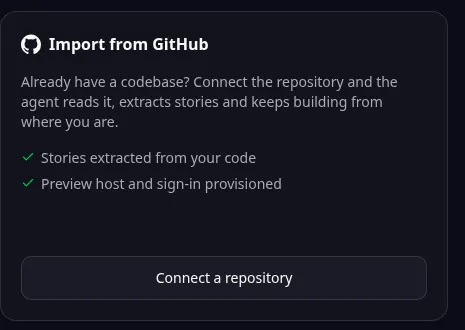
Browser import entry: Connect a repository starts a GitHub import. Follow the guide for local MCP conversion or later-stage review. -
Review the analysis before approving paid conversion work.
A small practice project
The public MDN React todo example can be used to understand the process with synthetic tasks. Its source is licensed under MPL-2.0; preserve the applicable license and notices. Check the current repository manifest when preparing it.
Do not assume that source conversion imports the old database. Plan data export, mapping and validation separately when production records must move. Likewise, configure external services in the new app instead of copying credentials into generated code.
A source revision is a recorded version of the code. Keeping one lets you compare the original behavior with the converted result.
Names and marks
GitHub and GitHub Copilot are brands of GitHub, Inc. Usage policy.
React, MDN, MPL-2.0 names and any associated marks remain with their respective owners or project maintainers. References identify products, standards or source examples. OwlMeans documentation does not imply sponsorship or endorsement by those owners.