OwlMeans Help

On this page
Check what your plan includes, how credits are used and what to do when a payment or subscription needs attention.
-
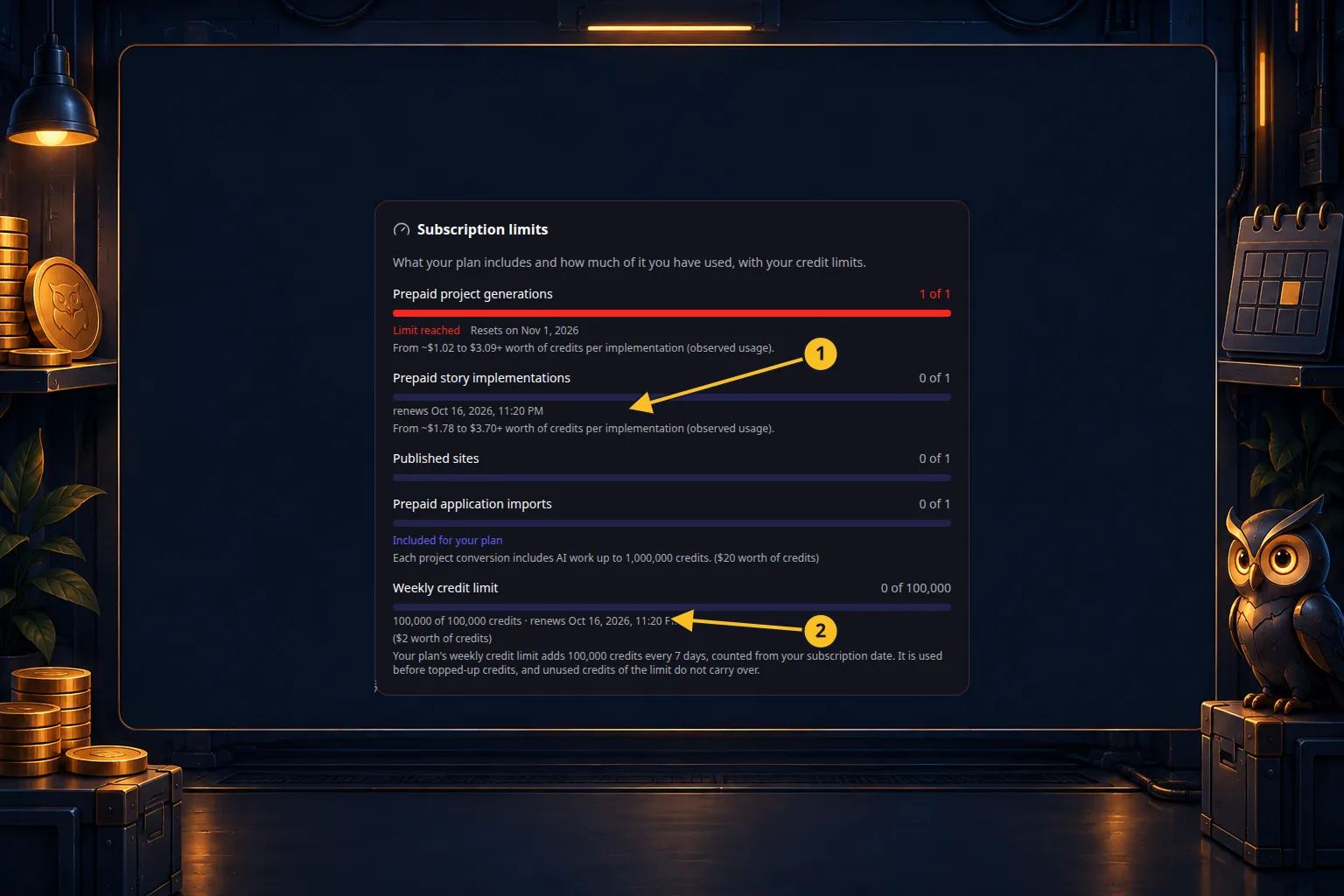
Open Billing in OwlMeans to see your current plan, remaining allowances and credit balance.
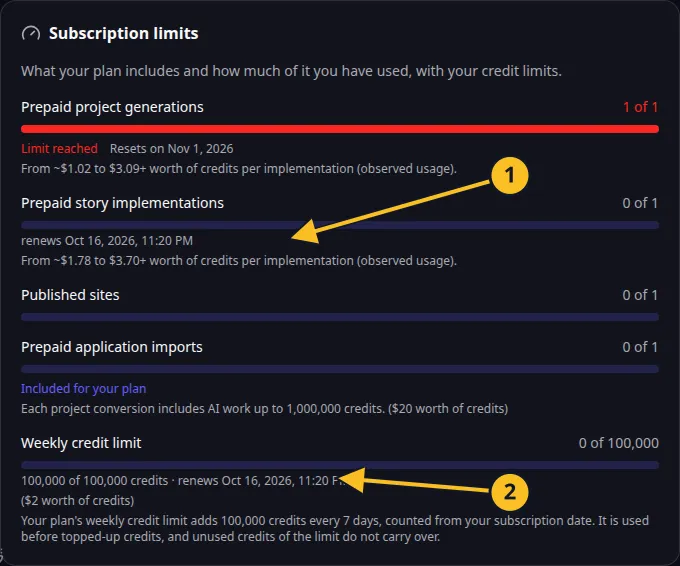
Billing: included action allowances and the current seven-day credit frame. -
Read plans and included features before starting a new project or publishing.
-
Use weekly credit limits to understand when included credits reset.
-
Review top-ups if you need additional paid capacity.
Find an answer
- Project and story limits
- AI work and inference costs
- Conversion allowance
- Subscription changes
- Cancellation
- Withdrawal and refunds
- Payment problems and records
- Privacy and account access
The Terms, Platform License and Cancellation and Withdrawal Policy describe the applicable contractual conditions. Follow the price and terms shown at checkout for your purchase.
Browse this category
- Plans and included features
- Project and user story limits
- Weekly credit limits
- Top up credits and understand purchase limits
- How AI work and inference costs are calculated
- Conversion allowance and additional charges
- Renew or change your subscription
- Cancel your subscription
- Withdraw from a purchase and request a refund
- Resolve payment problems and find billing records
- Manage privacy, consent and account access