Manage privacy, consent and account access

Keep your account access current and choose optional marketing consent deliberately. Product access and optional marketing choices are separate settings.
-
Open Settings and review your privacy choices.
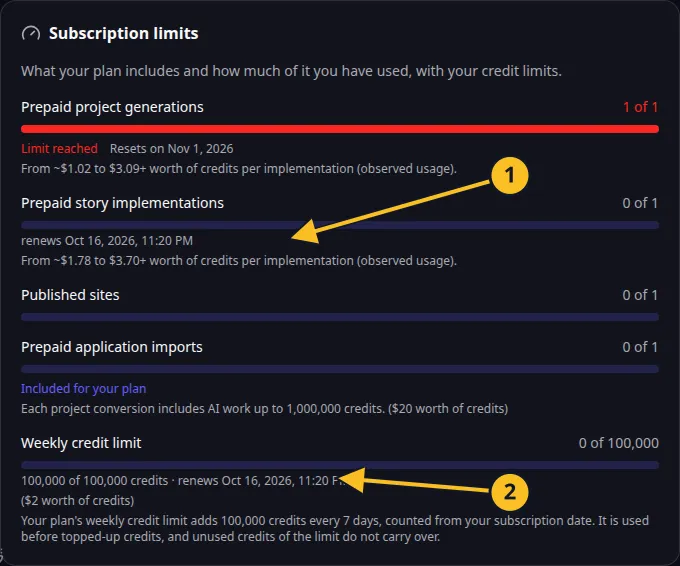
Billing: included action allowances and the current seven-day credit frame. -
Withdraw optional marketing consent you no longer want to give.
-
Open access-token management and review the tokens you recognize.
-
Revoke a token you no longer use or believe has been exposed.
-
Sign in again from a trusted client when you need replacement access.
Browser-issued MCP access tokens have a 90-day lifetime and can be revoked. Manually created tokens use the expiry selected during creation; inspect their displayed expiry. Keep tokens out of screenshots, shared configuration and command-line arguments. A client configured through an environment token should have that credential replaced explicitly after revocation.
Cookie choices can be reviewed separately. Optional consent withdrawal does not reverse work already carried out or cancel a paid subscription. Use the subscription’s own cancellation or withdrawal process for that.
Read the Privacy Policy, Cookie Policy and Terms. MCP access tools let an authorized client inspect and revoke access or withdraw marketing consent.