Cancel your subscription

Cancel renewal when you want the subscription to end after its current paid period. Ordinary cancellation and a statutory withdrawal are separate actions.
-
Open Billing.
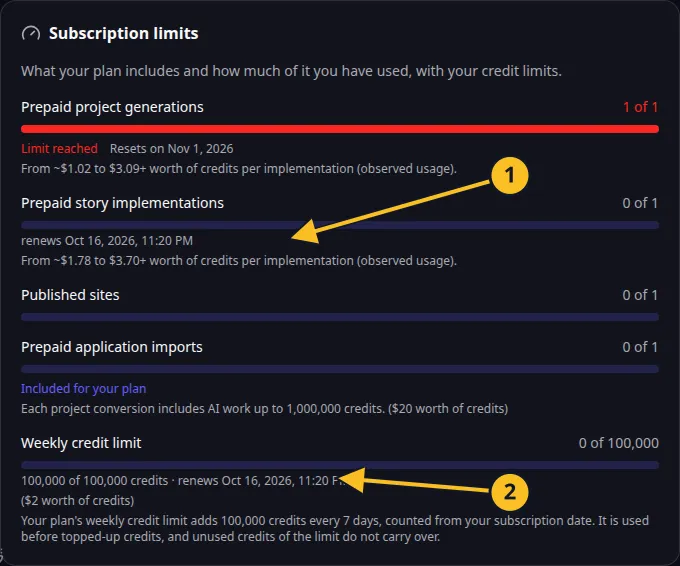
Billing: included action allowances and the current seven-day credit frame. -
Read the paid-through date and the cancellation action.
-
Select cancellation and review the confirmation.
-
Confirm when the displayed end date matches your intention.
-
Keep the confirmation and check that renewal is cancelled.
Ordinary cancellation leaves paid plan access available until the end of the paid period. It does not automatically refund that period. The current included credit frame retains its own expiry; cancellation does not extend unused weekly credits.
Before plan access ends, review any production site and paid capabilities you depend on. Export or preserve the source you need, and keep access to the account for its purchased balance and records.
The public cancellation form is available for the contractual process. Check the Cancellation and Withdrawal Policy for the precise terms.
If you want to exercise an eligible EU/EEA withdrawal within its legal window, use withdrawal instead of assuming ordinary cancellation does that.