Verify the result and resume interrupted conversion

On this page
Beta. Compare behavior with the original before treating the converted app as ready. Preserve the source until this review is complete.
-
Open the converted project’s Preview.
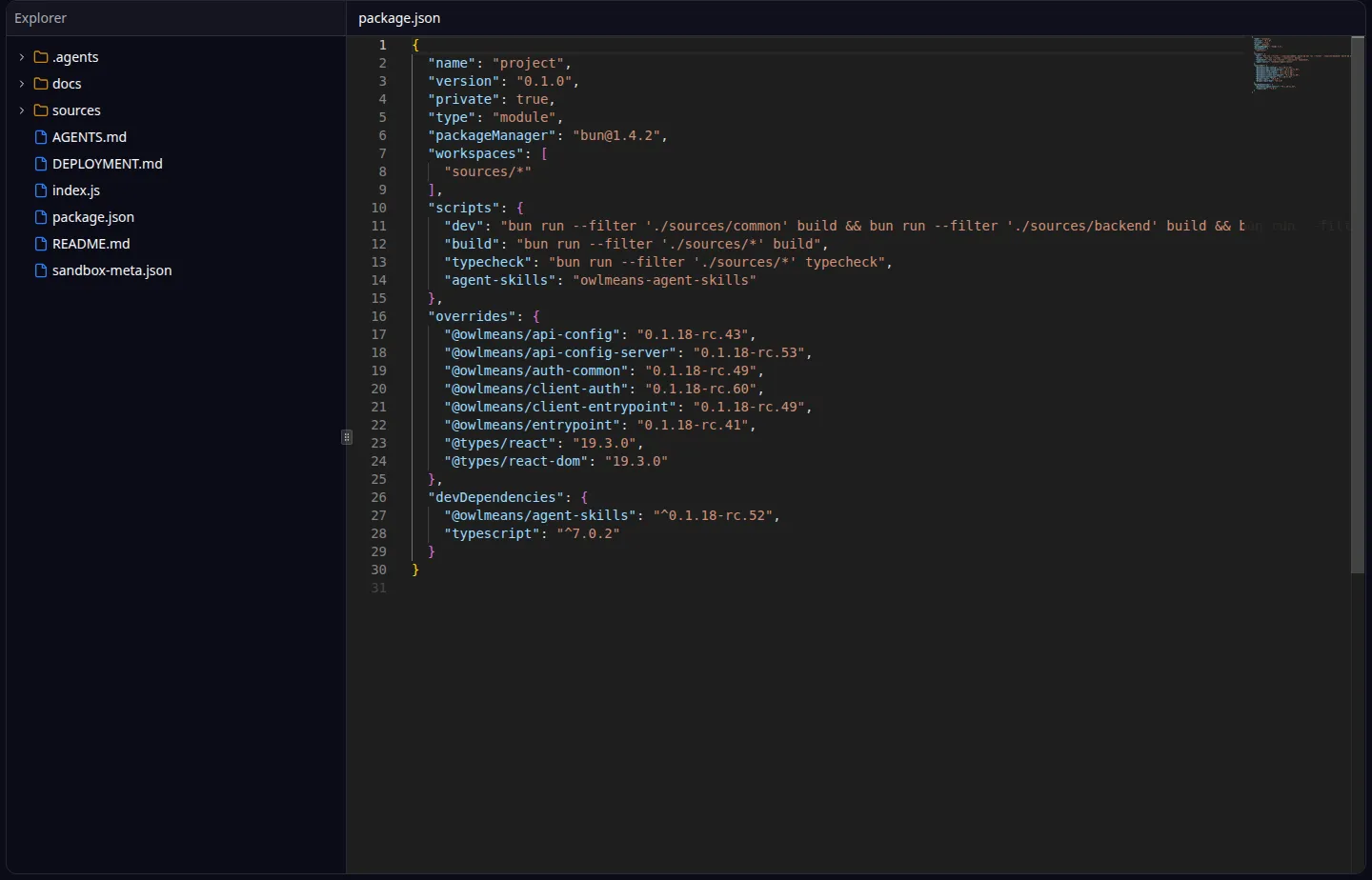
Editor: generated project files and source. -
Run the important workflows with synthetic records.
-
Compare fields, validation, navigation and results with the original application.
-
Test each role and an action that should be denied.
-
Configure external services separately and confirm their intended behavior.
-
Record missing behavior as focused user stories.
-
Review production configuration and data migration before publishing.
If conversion stops
- Inspect
conversion_statusfor the existing project. - Read outstanding questions or decisions and answer them.
- If the status exposes a stopped run, inspect it with
pipeline_status. - Use
resume_pipelinefor that recorded run when supported, then follow conversion status again.
Starting another intake is not the first recovery step. It creates separate work and can consume additional allowances or credits.
The original-source deletion action is separate from conversion. purge_origin is destructive and requires explicit confirmation. Keep the original until you no longer need it for comparison, licensing or recovery.
See MCP recovery and publishing.
Names and marks
Visual Studio Code, VS Code, TypeScript and related Microsoft marks belong to Microsoft Corporation. Usage policy.
React, Bun names and any associated marks remain with their respective owners or project maintainers. References identify products, standards or source examples. OwlMeans documentation does not imply sponsorship or endorsement by those owners.