Build for multiple customer organizations

On this page
Use organization entities when your app serves several customer organizations. Each organization entity has members and an access boundary. A data-model entity, such as a task, is a different concept.
-
State the customer boundary in your specification: which records belong to each organization entity and which roles manage its membership.
-
Open the project’s organization and group controls in the intended scope.
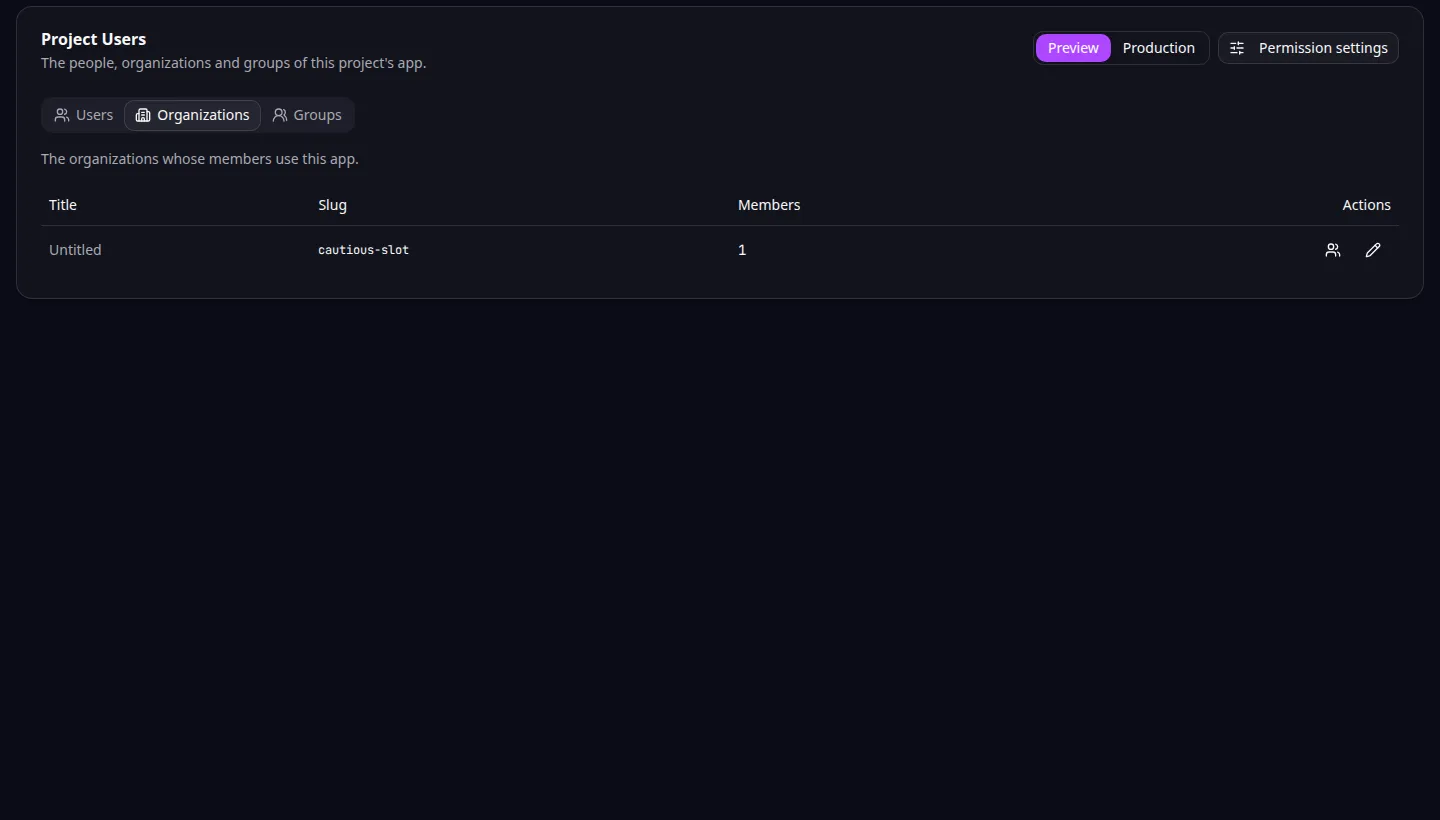
Organization entities: customer organizations and their application membership. -
Add or manage members and group membership using the available controls.
-
Review organization-scoped permissions and grants.
-
Test with two synthetic customer organizations. Confirm each user sees only the records their permissions allow.
-
Test a user with membership in more than one organization entity and check the intended context.
For Task Grove, two customers can use the same application while managing separate projects. A manager in one customer organization should not gain access to the other’s tasks.
Multi-tenancy means one application serves several customers while keeping their access separate. Define and test that separation alongside the business features.
The MCP organization tools expose organization names, members, groups and grants. Use entitySlug when a tool requests the customer organization’s name. Preserve access checks when asking an agent to add new record types.
Application example
Category: Project and task management. Example: Task Grove, a task board for a small team.