Publish your app and connect a domain

On this page
Publish a production version when the app is ready for its audience. Pro includes one concurrent production site; check your available capacity first.
-
Review the app in Preview, including permissions, empty states and legal links.
-
Open the production controls and check your plan.
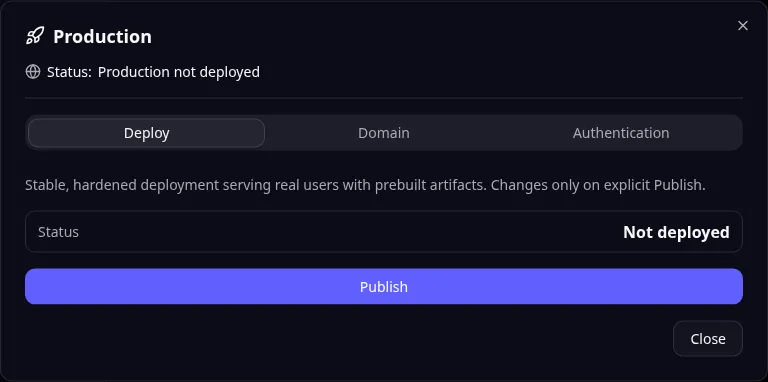
Production: publishing is separate from the development preview. -
Review production configuration. Supply the intended private credentials and public values.
-
Publish the production site and wait for its status to become ready.
-
Open its production address and try the core workflow.
-
If using a custom domain, add it in the domain controls, follow the displayed DNS instructions and verify it.
-
Configure independent production sign-in and allowed redirect addresses if your app needs them.
DNS connects a domain name to a service. Copy the records shown for your domain and allow time for DNS changes to become visible.
For Task Grove, test creating a task with a production test account before inviting the team. Preview users and settings should not be assumed to match production.
Publishing your code to GitHub does not publish this running site. Use production MCP tools if you are managing deployment through an agent. Read any domain or stop confirmation carefully.
Application example
Category: Project and task management. Example: Task Grove, a task board for a small team.
Names and marks
GitHub and GitHub Copilot are brands of GitHub, Inc. Usage policy. OwlMeans documentation does not imply sponsorship or endorsement by those owners.